Core workflow first
Confirm account setup, pricing, order review, fulfillment, and finance against your actual operating scenario.
From the account behind the order to the payment behind the invoice, BAOS Global is designed around the operational detail of beverage alcohol.
Use these steps to connect the page to a practical buying decision.
Open the detailed app example ↗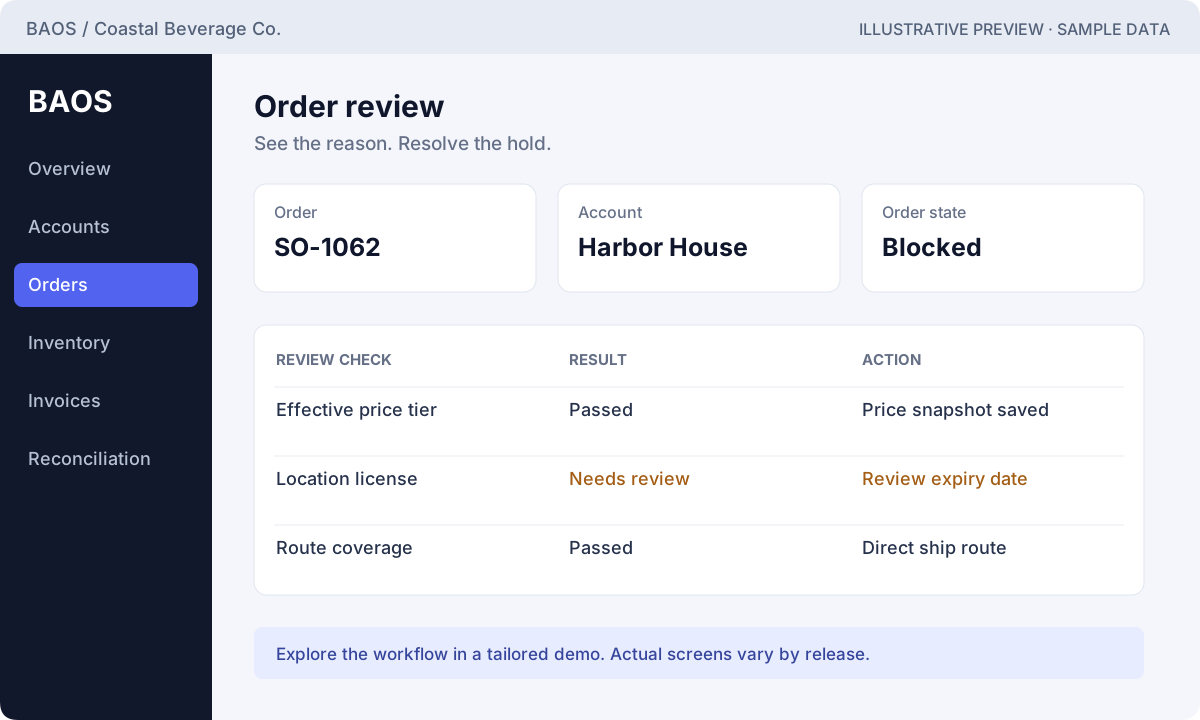
Confirm the customer, locations, and license context.
Walk through pricing, order checks, and fulfillment.
Review invoicing, payment application, and settlement.
The modules below describe documented BAOS Global workflows. Your demo and written proposal confirm the current release, available screens, included modules, and any remaining implementation.
Keep customer contacts, bill-to and ship-to locations, licenses, and account history connected. Give sales and operations a common starting point before the next order.
Ask to see an account move from setup to its first order.
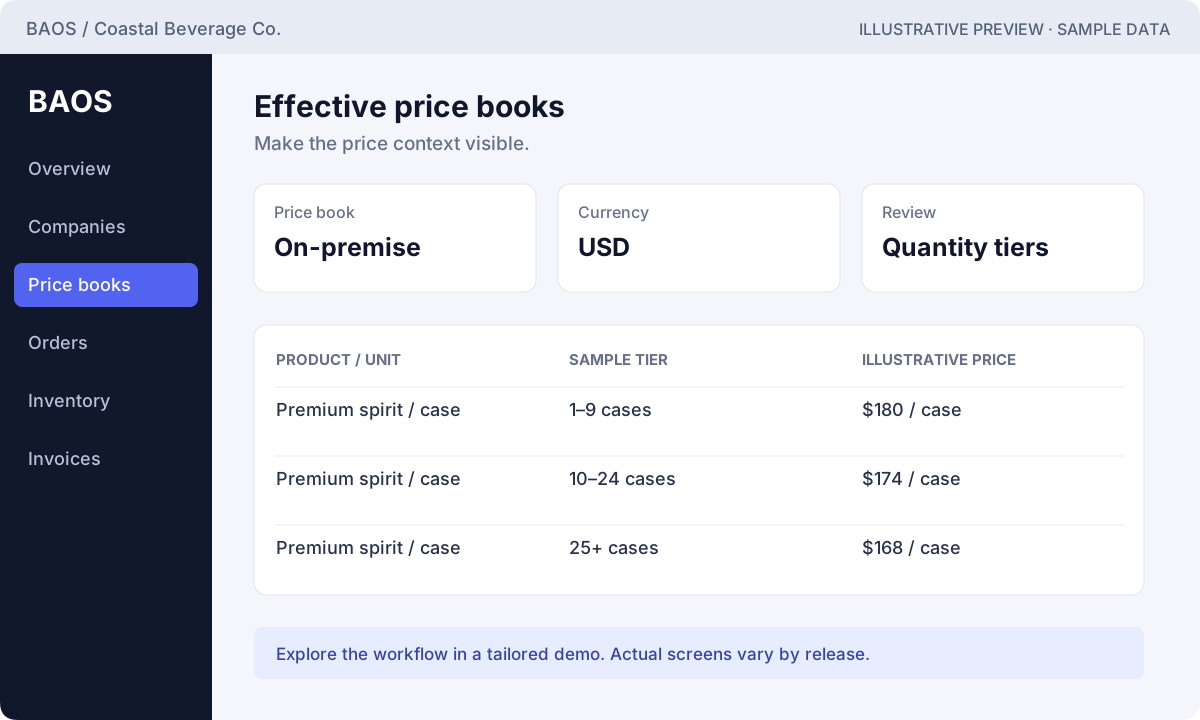
Explore this workflow ↗Bring SKUs, packaging, units, effective dates, and quantity tiers into the order workflow. Documented server-side pricing checks help keep the saved order aligned with the selected price book.
Ask to compare a valid tier with an out-of-range quantity.
Explore this workflow ↗Move from a draft to review with a visible result. The documented workflow evaluates license, route, pricing, and credit conditions and records the approval or block.
Ask to see a blocked order, its reason, and the resolution.
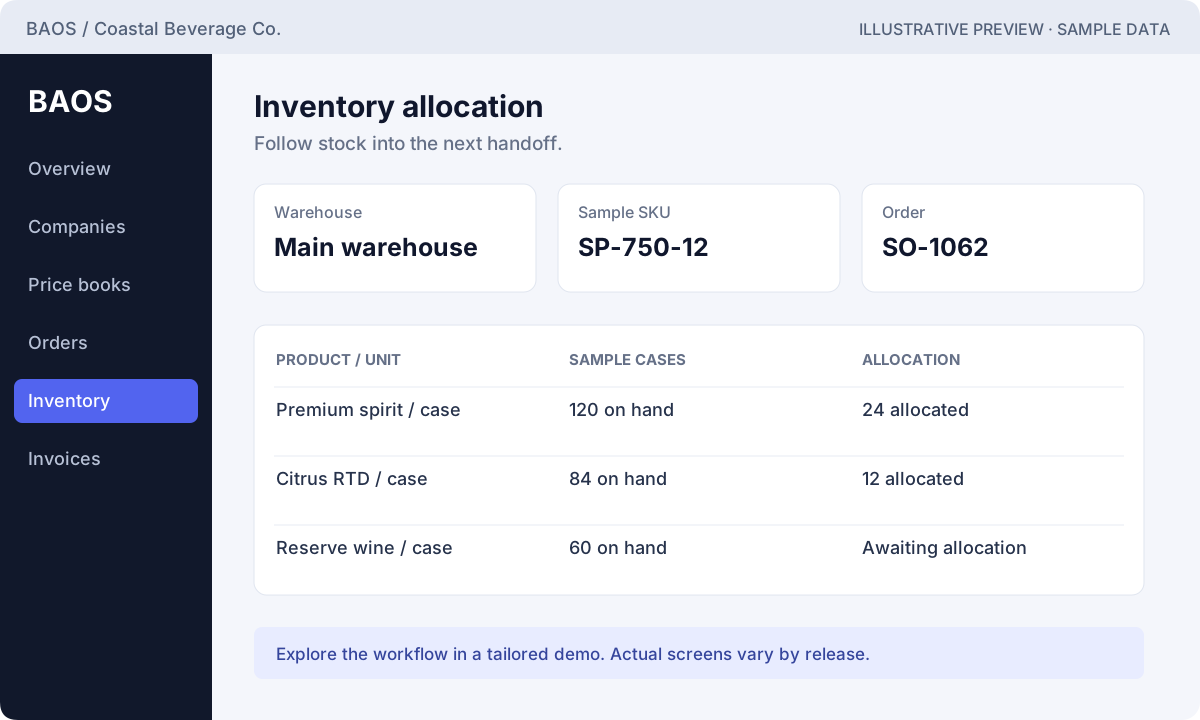
Explore this workflow ↗Follow the operational handoff from available stock to allocation, release, shipment, and delivery. Scope your warehouses and units before rollout so the workflow matches how you move cases.
Ask to follow one approved order through fulfillment.
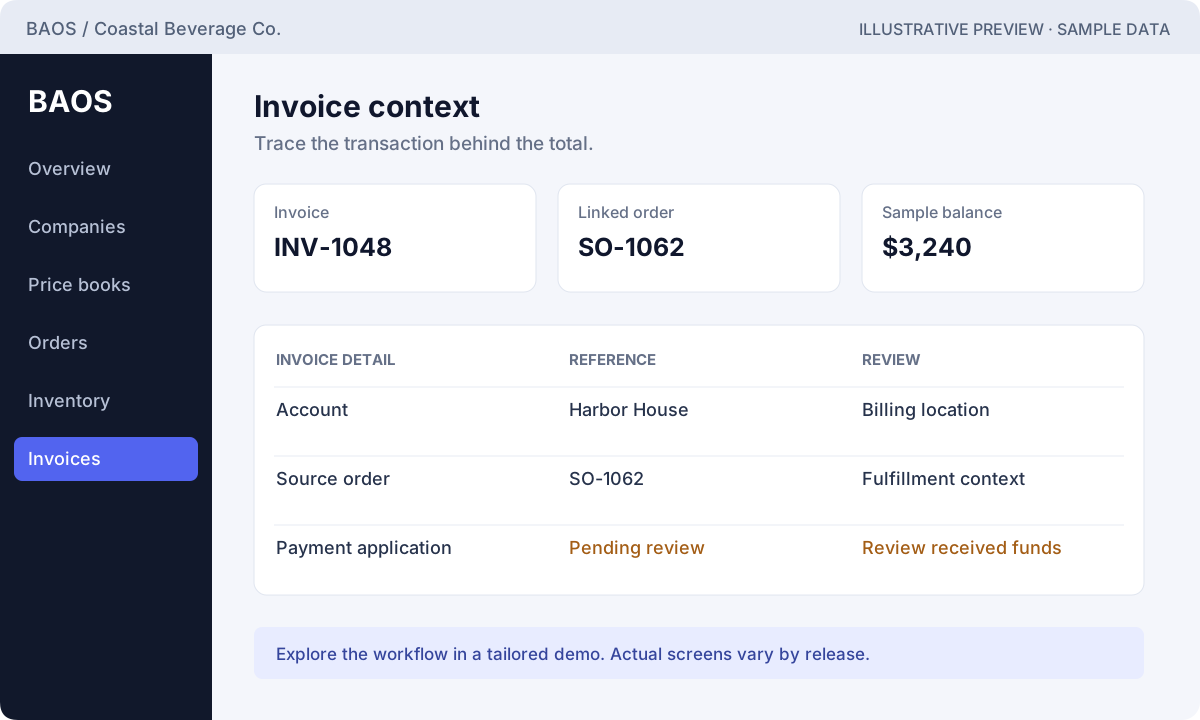
Explore this workflow ↗Connect fulfilled orders to invoices, payment application, and settlement review. The documented workflow includes duplicate protection and balanced reconciliation checks.
Ask to trace an invoice through payment and reconciliation.
Explore this workflow ↗Bring distributor depletion rows into a review workflow. Identify unmatched accounts and SKUs so the team can address mapping issues before relying on the result.
Ask to see how an unmatched SKU is investigated.
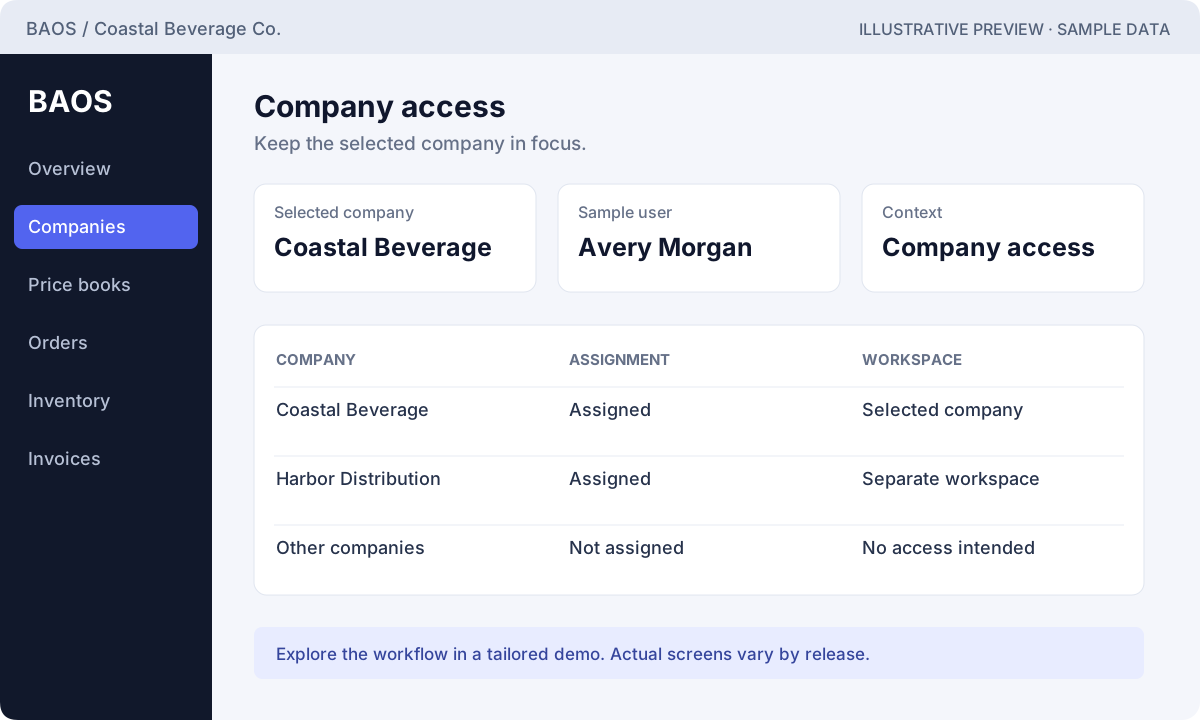
Explore this workflow ↗The documented architecture resolves an authorized company to a separate operational database. Company membership checks and audit records support deliberate access and traceability.
Ask to switch companies and review the access boundary.
Explore this workflow ↗The product documentation describes a provider-neutral finance boundary with Fintech as the initial operational provider direction. Live connections, credentials, formats, and activation must be agreed during scoping.
Ask which connections are implemented, tested, and enabled for your rollout.
Explore this workflow ↗Confirm account setup, pricing, order review, fulfillment, and finance against your actual operating scenario.
Purchasing depth, advanced warehouse operations, delivery, returns, CRM, portals, and reporting require release-specific confirmation.
Production providers, accounting exports, advanced tax rules, forecasting, and AI are not assumed to be active or included.
Illustrative interfaces with fictional sample data. Open the tour to explore each example in detail.
Discuss the exceptions your team needs to identify and investigate.
See the reporting examples ↗Illustrative reporting concepts with fictional data. These examples are not live reports or a promise that each chart is included in the current release. Confirm reporting scope in your demo.
Fictional example data; reporting availability is confirmed during scoping.
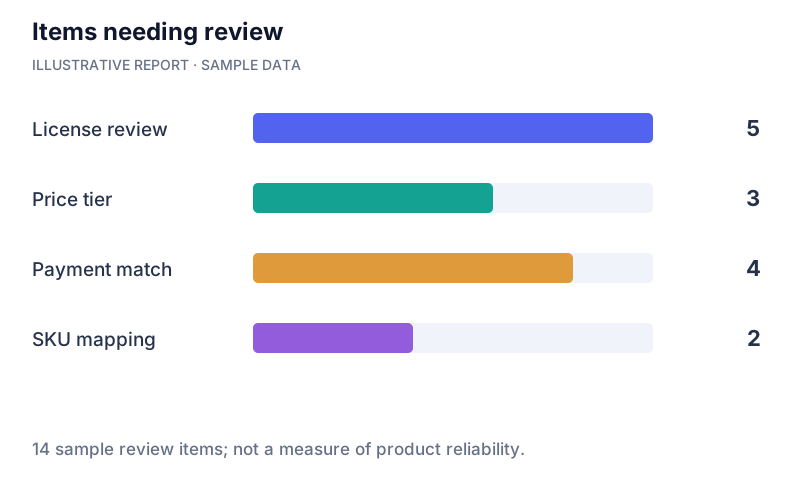
| Category / period | Sample value |
|---|---|
| License review | 5 |
| Price tier | 3 |
| Payment match | 4 |
| SKU mapping | 2 |
Bring one real workflow to the conversation. Let’s walk through where BAOS Global fits.