Customer, channel, and location context
Explore this step with your own operating scenario in a guided walkthrough.
Explore seven everyday moments where connected context can make the next action clearer.
Use these steps to connect the page to a practical buying decision.
Open the detailed app example ↗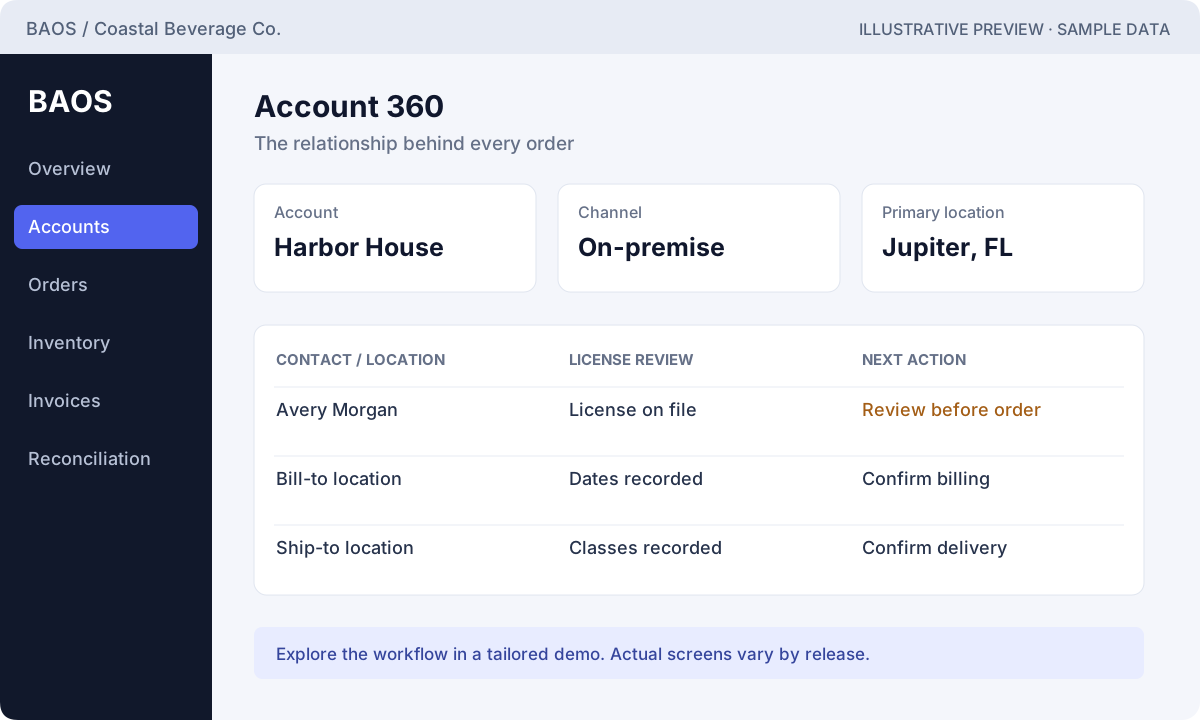
Pick the workflow that creates the most friction today.
Use the picture to identify the state, records, and next action.
Ask for the same scenario in the current operational release.
These are illustrative interface previews based on documented workflows, with fictional sample data. They are not captures of the deployed app. Request a live walkthrough to see the current screens.
Give sales and operations the same account context before an order is entered.
Explore this step with your own operating scenario in a guided walkthrough.
Explore this step with your own operating scenario in a guided walkthrough.
Explore this step with your own operating scenario in a guided walkthrough.
Understand which configured check needs attention before the next stage.
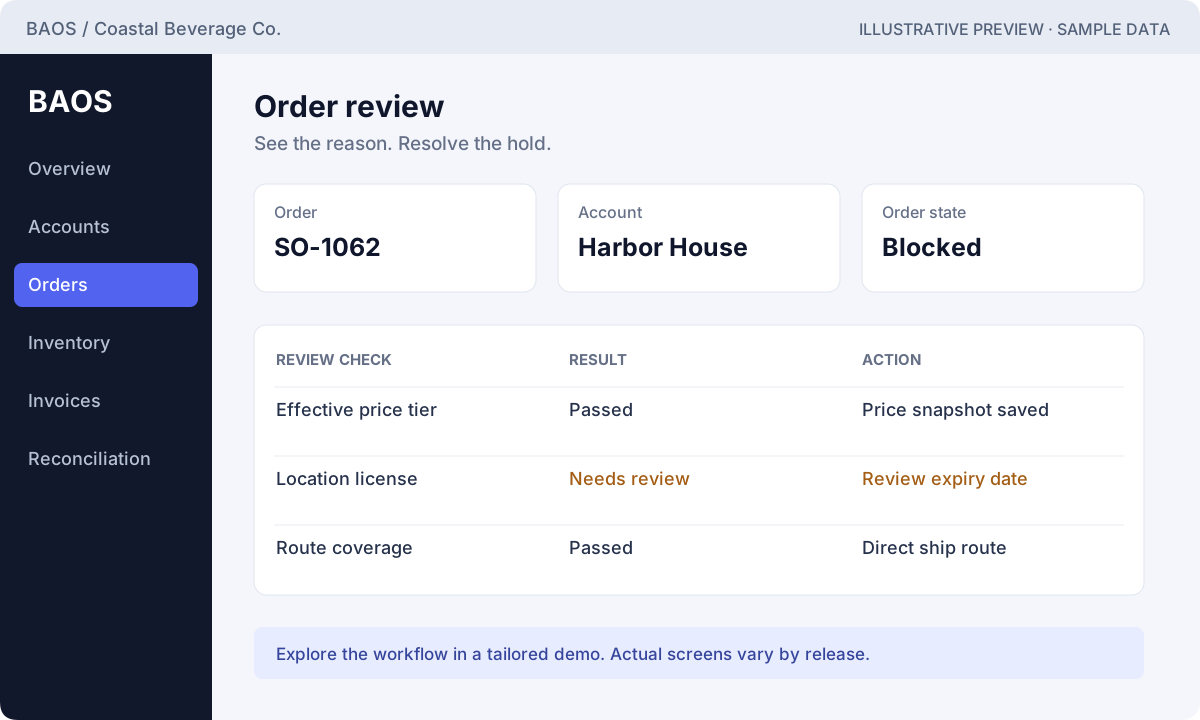
Explore this step with your own operating scenario in a guided walkthrough.
Explore this step with your own operating scenario in a guided walkthrough.
Explore this step with your own operating scenario in a guided walkthrough.
Keep invoice matching and exceptions visible while reviewing a settlement.
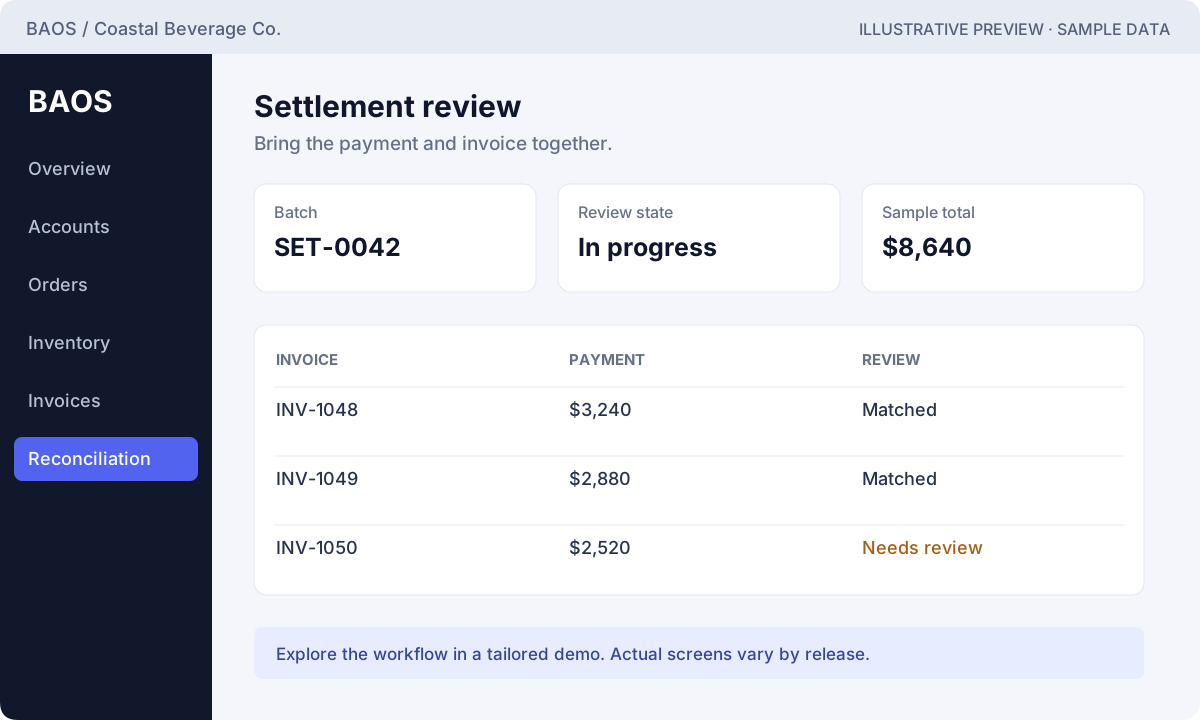
Explore this step with your own operating scenario in a guided walkthrough.
Explore this step with your own operating scenario in a guided walkthrough.
Explore this step with your own operating scenario in a guided walkthrough.
Use this example to discuss stock, allocation, and the handoff to fulfillment. Counts are fictional and do not represent live availability.
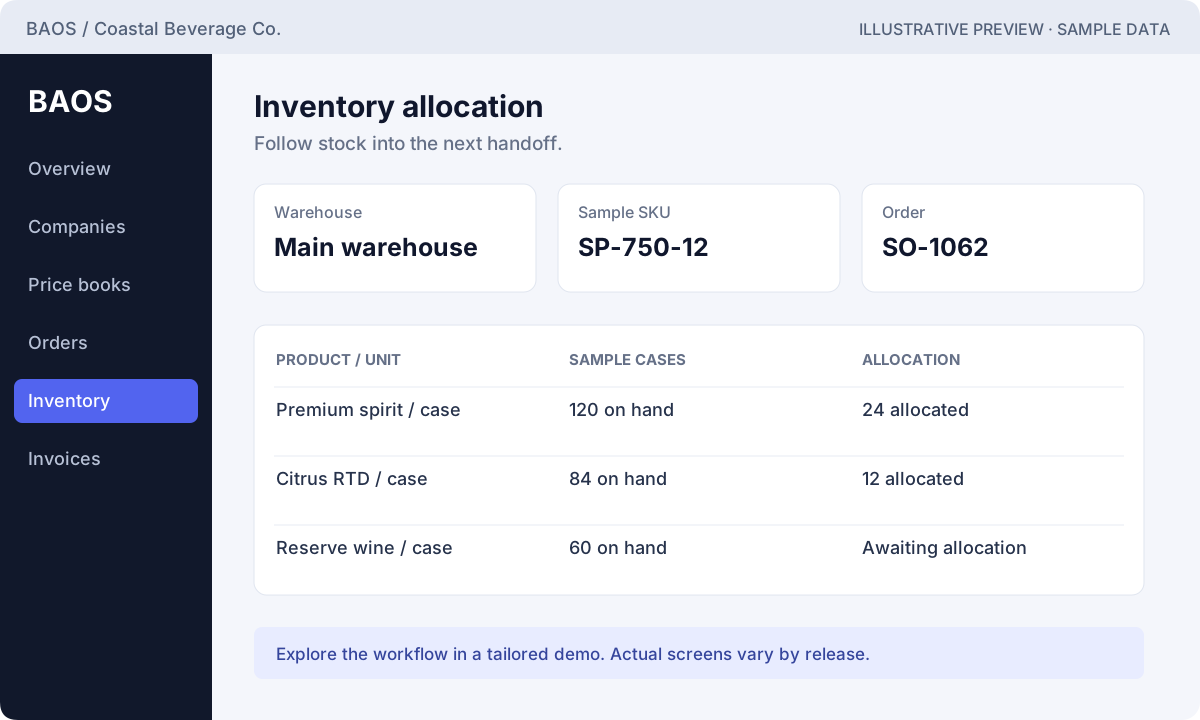
Ask to follow the allocation and shipment of one approved order.
Request this walkthrough ↗Effective dates, units, and quantity tiers give the price its context. Sample prices shown here are product examples, not BAOS Global subscription pricing.
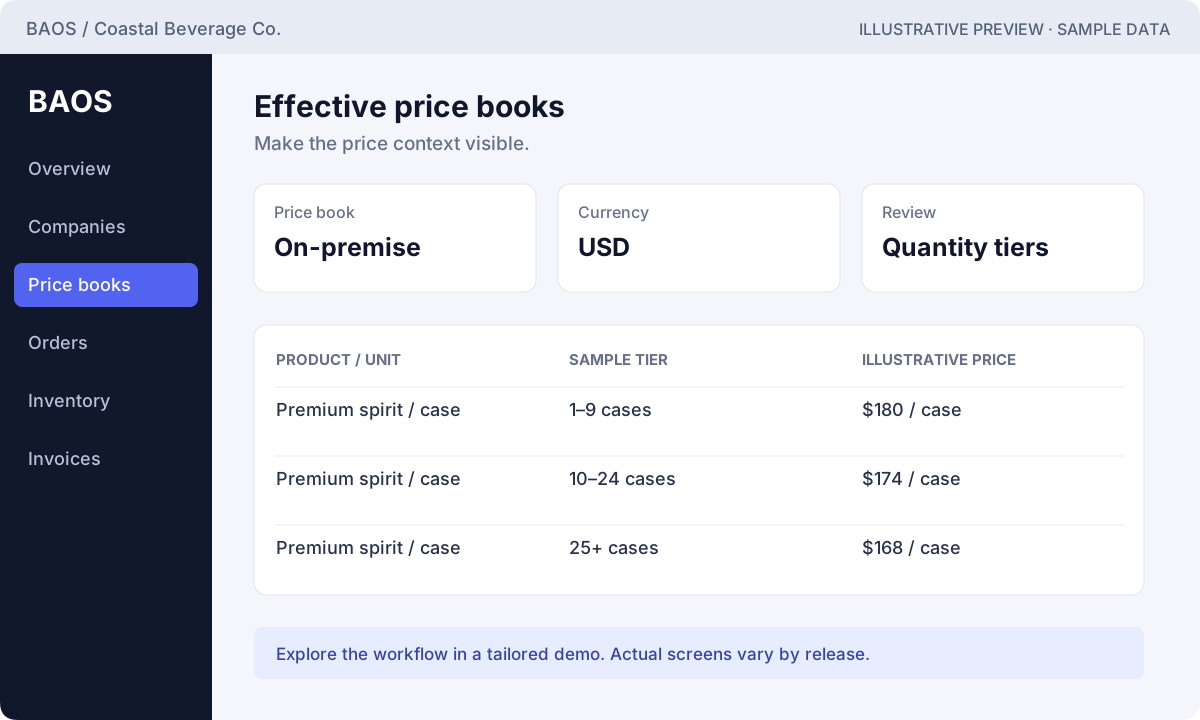
Ask to compare an effective tier with an expired or out-of-range tier.
Request this walkthrough ↗Start with the customer and source order, then discuss invoice creation, payment application, and the evidence behind the remaining balance.
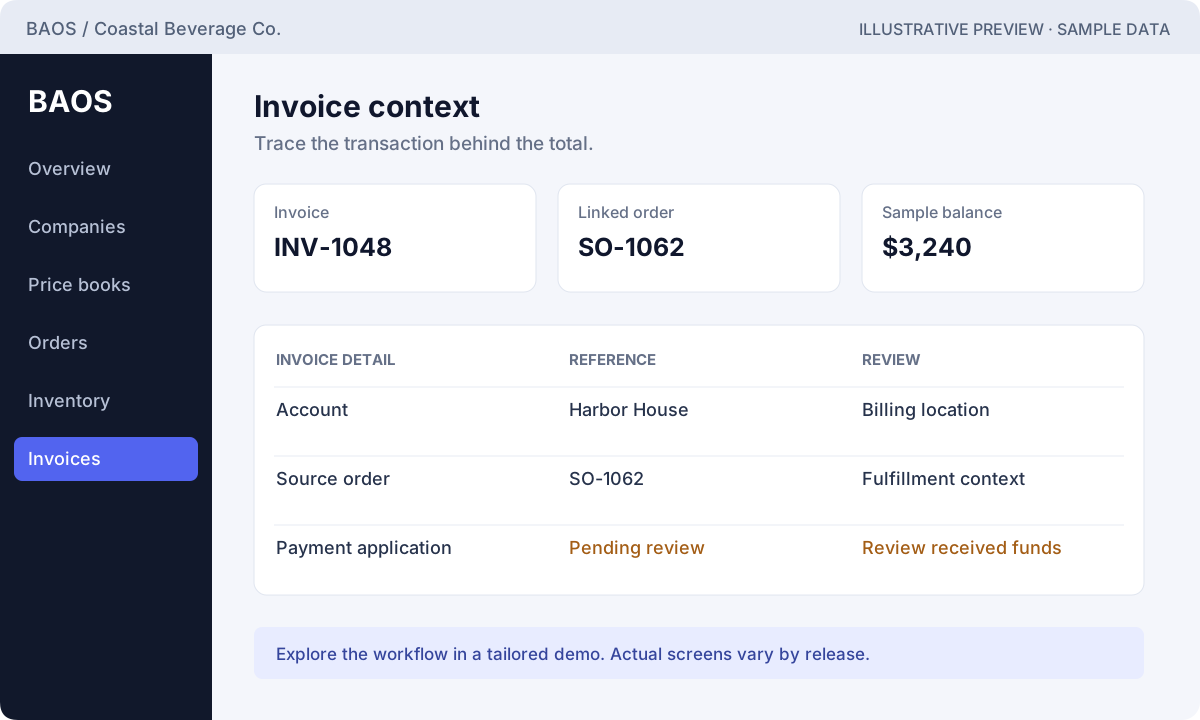
Ask to trace one fulfilled order into its invoice and payment history.
Request this walkthrough ↗Discuss who belongs to each operating company and how the current release enforces that boundary. The example shows intended access, not proof of an access-control test.
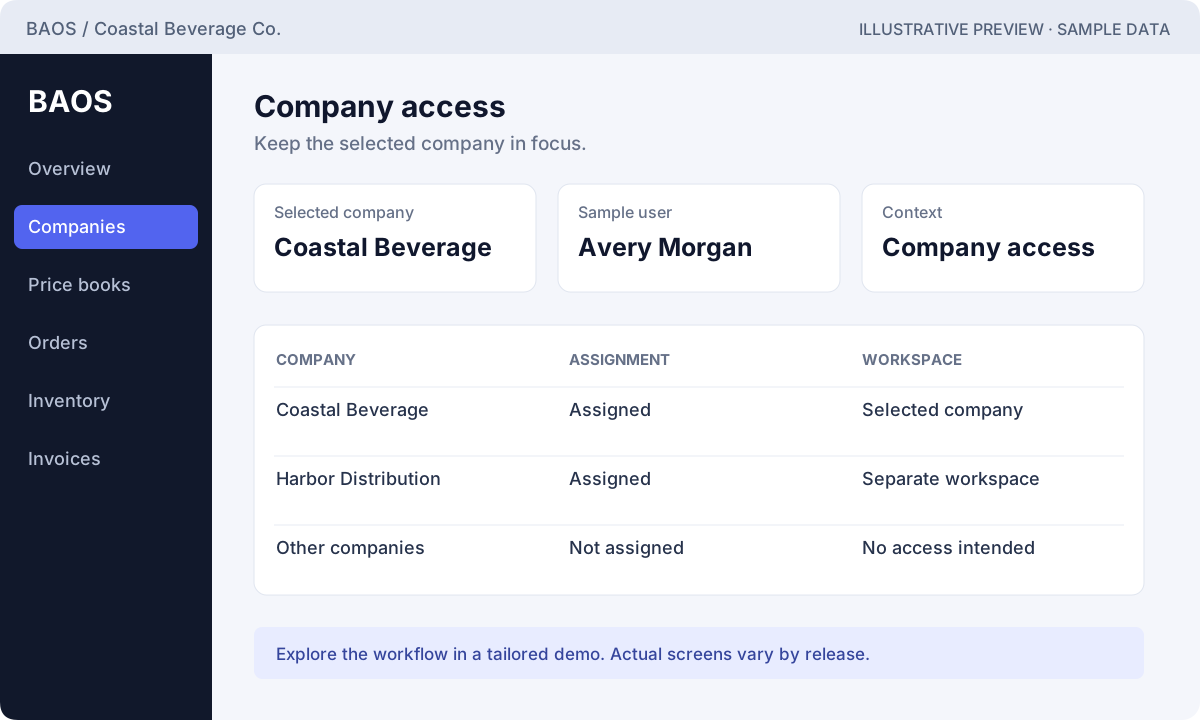
Ask to demonstrate an assigned company and a denied company with representative users.
Request this walkthrough ↗An illustrative trend with fictional monthly values.
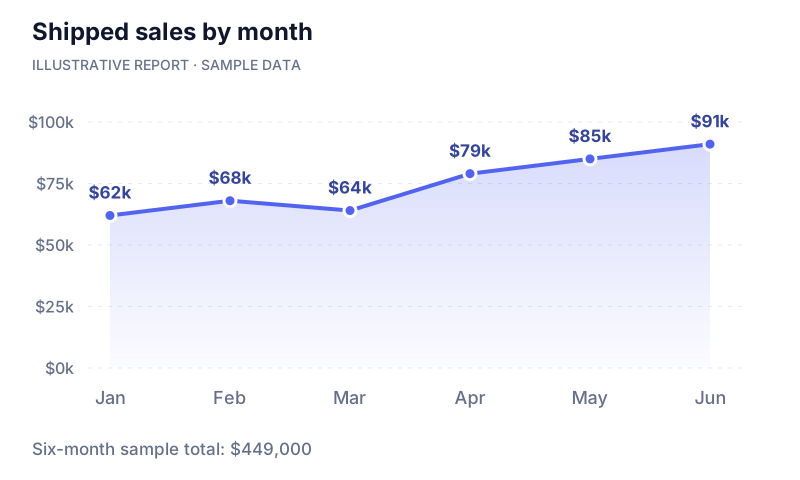
| Category / period | Sample value |
|---|---|
| Jan | 62,000 |
| Feb | 68,000 |
| Mar | 64,000 |
| Apr | 79,000 |
| May | 85,000 |
| Jun | 91,000 |
An illustrative split by overdue age.
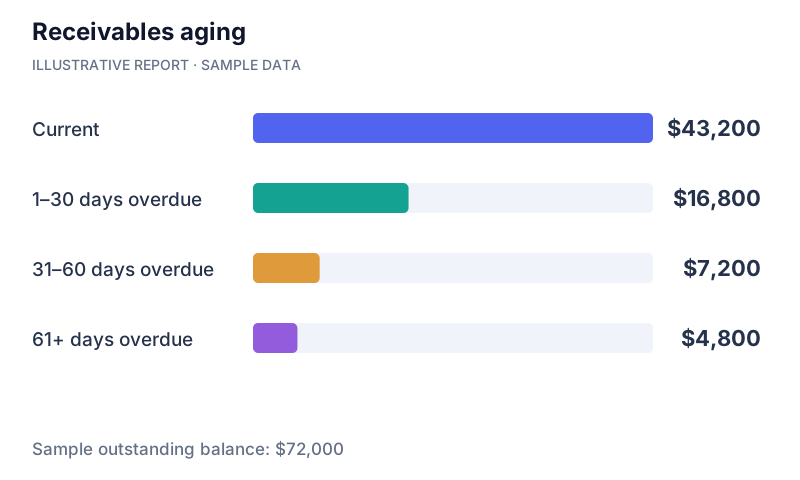
| Category / period | Sample value |
|---|---|
| Current | 43,200 |
| 1–30 days overdue | 16,800 |
| 31–60 days overdue | 7,200 |
| 61+ days overdue | 4,800 |
Illustrative reporting concepts with fictional data. These examples are not live reports or a promise that each chart is included in the current release. Confirm reporting scope in your demo.
Explore the full chart gallery ↗A blocked order. A pricing exception. An unmatched payment. Let’s talk through the work that slows your team down.